
How to Use Your Phone When Visiting London From Abroad (2026)

Wondering how to use your phone when visiting London from abroad? This is your ultimate guide to stay connected in the city — from a London Travel Blogger!
This post may contain affiliate links. Check out my Disclosure & Privacy Policy for more information.
Travelling to London from abroad paints an alluring scene of cobblestone pathways, cosy local pubs, and treasured landmarks waiting to be explored.
One experience leads to another, making the trip a sequence of irreplaceable memories, the London way.
And I’m sure you’re all about treasuring them, which is exactly why you need a phone that helps maximise your time in the city.

Don’t have to read the whole article? My top recommendation to maximise the use of your phone when visiting London from abroad is to get an airalo eSIM.
You’ll stay connected wherever you travel, including the UK, and at really affordable rates!
Packages go from 1 GB over 7 days to 20 GB over 30 days, for as low as $5 USD. And they cover +200 countries and regions.
The handcrafted list includes tips to stay connected, essential apps to explore like a local, managing data usage to avoid unpleasant surprises when you’re back home, safety measures, and more — from a London Travel Blogger!
How to Use Your Phone When Visiting London From Abroad

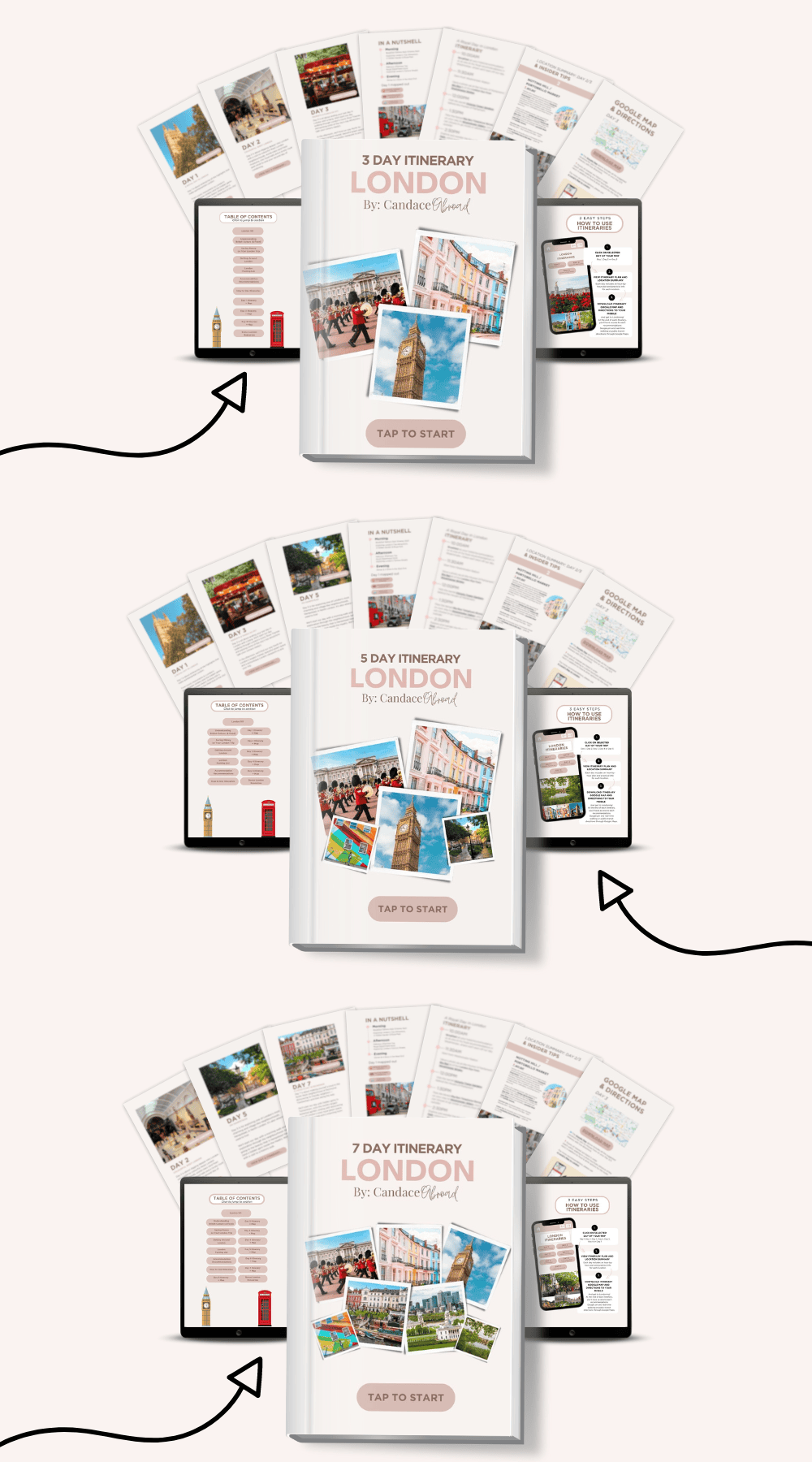
P.S. – Coming to London? Have the perfect trip planned for you with our 3,5, or 7-Day London Tourist Itineraries 🇬🇧
Preparing Your Phone For Travel

Travelling to London (or anywhere abroad, really) calls for thorough planning, and in today’s digital world that planning involves more than just packing your bags. Here’s how to ensure your phone is travel-ready.
Checking Compatibility and Coverage
Before hopping on that plane, it’s crucial to determine if your phone will work with the network services available at your destination.
Your phone must be compatible with one of these two major global standards: GSM (Global System for Mobile Communication) and CDMA (Code Division Multiple Access).
Most of the world, including London, primarily uses GSM. So, if your device is CDMA, you might have trouble finding network coverage.
You can check your phone’s compatibility either by directly contacting your carrier or exploring your phone’s settings.
Understanding Local Carriers and Roaming Options
Once you’ve verified compatibility, it’s time to decide on a network option.
Your home carrier might offer international plans with varying charges for data, text, and calls. However, roaming fees can quickly add up, so you may want to investigate local carriers at your destination.
I personally like getting a SIM card to get a plan that’s functional, easy to use, and highly affordable in comparison to other options. They’re widely available at multiple locations in London like airports, supermarkets, and mobile stores.
However, there’s a new option: the eSIM. This is a relatively new technology that works just like a physical SIM, but doesn’t require a physical card. Instead, it allows you to download the data from your chosen carrier and switch between your home and local numbers seamlessly.
Unlocking Your Phone
Almost all carriers around the world lock their phones to their network. If this is the case with your device, you’ll need to unlock it before using another carrier’s SIM card.
Start by contacting your current carrier; most have policies in place for unlocking the phone either for free or for a small fee. Alternatively, third-party services can unlock your phone, but these usually involve a fee and come with certain risks.
Setting-Up Essential Apps for Exploring London

London is a modern city, and your phone here is more than just your way to share your gorgeous pics.
It can be your ally to navigate, communicate, book unforgettable experiences, and ultimately make your trip both memorable and stress-free. Here are some quintessential apps you should set up on your phone for your London adventure!
Apple & Google Pay
Listen to me, after the pandemic this became a standard way of life in London, from chic shopping districts to double-decker buses.
Forget about paper tickets and even cash! Contactless payment is a fast, secure way to keep transactions hassle-free, and everyone’s using it now.
Apple Pay and Google Pay are popular digital wallet services that allow you to make contactless payments using your smartphone. So don’t forget to set up your credit or debit cards before you come. You’ll even get cheaper tube without buying an Oyster!
Citymapper & Google Maps
It’s no secret that London is HUGE. And navigating through the maze-like streets, with all the different transport links you can imagine, could be challenging without proper guidance.
That’s why having a reliable navigation app becomes crucial. Citymapper and Google Maps come in handy with their detailed transport information, route options, and GPS assistance.
Citymapper is particularly a local favourite, as it combines all modes of public transport with a live and extremely accurate update every second; even calculating the cost and time of Uber rides!
Google Translate
Despite English being the widespread language in London, you might sometimes encounter heavy local accents or regional vocabulary unknown to you. Here, Google Translate (or any other preferred translation app) can be a lifesaver.
This powerful tool not only supports text translation in numerous languages, but also offers a feature where you can translate English audio into text in your native language.
Transportation Apps
Red buses, black cabs, and the vast underground Tube network are more than icons in this city. They’re your best allies when it comes to living, breathing and enjoying London! So equipping your phone with some essential local transport apps is more than necessary.
The Transport for London (TFL) app allows you to plan journeys and check the status of all TFL services, the Oyster app (if you get one) lets you manage your card for seamless payments in buses, tubes, trams, and most National Rail services in London.
You can also consider ridesharing apps, such as Uber or Bolt, or traditional black cab-booking apps like Free Now, for convenience or when navigating after midnight when public transport is limited.
Tours & Experiences
That’s why we’re all here for, anyway! So immerse yourself in London’s vibrant and diverse culture with the help of apps that connect you to unique experiences, tours, and dining options.
GetYourGuide and Viator offer a variety of tours and activities tailored to your interests – from guided walks through historic neighbourhoods to urban art experiences, these apps have thousands of options to choose from.
For an insider’s peek into local events, concerts, and exclusive offers, Fever is your go-to app. And if you’re here for the fabulous West End, you can’t miss TodayTix, with daily offers to catch your favourite play that same day.
OpenTable is a must-have app for food enthusiasts looking to explore London’s culinary stars. Book tables in advance and discover unique dining experiences, from traditional English pubs to Michelin-starred restaurants.
You’ll soon find that London’s best explored when booking in advance, as it’s busy, busy, busy. So by having these apps, you’re ensuring you live absolutely everything in your bucket list!
Read more? 5 Must-Have London Apps: Oh-So-Essential Apps for Your London Visit
Managing Data Usage & Connectivity

Travelling abroad often entails potential challenges in managing your phone’s data usage and connectivity. Here’s how to make the most out of your smartphone without worrying about burning through your data or incurring exorbitant roaming costs.
Use London’s Extensive WiFi
London offers abundant public WiFi coverage, making it easier for you to stay connected.
You can find it in a variety of public places, including parks, squares and even the underground. Just look for networks named “O2 Wifi” or “The Cloud”.
Cafes, restaurants, pub, libraries and museums are also popular for offering free (and good) WiFi, so make sure you join the connection!
Save on Data
Besides hunting for WiFi, there are other thing you can do to save data.
First of all, go into Data Saving Mode, which is available in both Android and iOS; in it, phones limit apps’ data usage and even extend the battery life. You can also opt for Airplane or Focus Mode to prevent apps running in the background.
There’s also a setting to restrict background App refresh when you’re not using them, and to turn off automatic updates. Some apps (like Google Maps and Translate) also have offline features, so don’t worry about being lost (on the streets and in translation).
Finally, but very importantly, avoid streaming. Streaming audio and video can consume significant amounts of data. Opt to download music, podcasts, or videos over WiFi before going out on your day’s explorations.
Security and Safety Measures

As powerful as it is, your phone also comes with a ‘dangerous’ side. It’s a potential target for cyber threats and physical theft! And with all you can do with it, safeguarding it becomes a priority. Here’s how to do it easily.
Protecting Personal Information
To ensure the confidentiality of personal data on your smartphone in London, consider using strong passwords, especially on apps with sensitive information (like your bank or email).
You can also enable Two-Factor Authentication (2FA), which offers an additional layer of protection by verifying your identity using a second factor (usually a code sent to your phone or email) alongside your password.
Preventing Theft or Loss
Besides stating the obvious, like trying to put the phone away when surrounded by crowds or store it safely in your bag, a few strategies can be used to either recover your device or data.
First of all, remember Find My iPhone / Find My Device! Both Apple and Android provide services to track and manage your lost device. You can send alerts, lock it, and even erase data remotely. So make sure these services are set up and running on your devices.
Another thing can be syncing your data to a Cloud. Maybe (hopefully) losing a device isn’t the end of the world for you. But what about your information, contacts and treasured memories?! By opting for this service, you can recover from any other device.
Financial App Preparedness
Very important before you visit London from abroad!
Downloading and setting up your bank’s mobile app gives you the possibility to actively monitor your accounts, manage cards, and be prepared to swiftly act if necessary.
You can spot any suspicious activity and solve it quickly, as most offer options to freeze your card, report issues, or immediately get in touch with their customer service.
Just remember to only use safe, password-protected networks when interacting with your banking app to keep your financial information secure.
Final Tips On How to Use Your Phone in London From Abroad

After all the useful and highly important information on how to use your phone when visiting London from abroad, it’s time to focus on the fun. Here’s a personal list of things I’ve learned by living in this gorgeous city!
- Carry a power bank. Battery will run out quickly when you use the phone constantly, and you won’t want to miss a good shot of the city or, most importantly, your route back to your accommodation! Here’s the one I use.
- If you don’t have one, bring your charger (and adaptor). You’ll find plugs in most pubs, cafes and sometimes restaurants.
- Avoid updating your social media throughout the day. It’s tempting and of course it’s entirely up to you, but it’s also another way of saving both your data and battery while you’re in London. I enjoy doing it at the end of the day when I’m back at my accommodation, as it’s like doing a recap of amazing memories!
- Save your tickets and booking reservations, either in your digital wallet or files. That way, even if you’re having issues with your connection, you’re sorted for your activities.
- And finally, don’t live in your phone! Remember to enjoy the views through your eyes, not only the screen. At the end of the day, the device should enhance the experience not be it.
P.S. – airalo eSIM is a great way to maximise the use of your phone when visiting London from abroad.
Packages go from 1 GB over 7 days to 20 GB over 30 days, for as low as $5 USD. And they cover +200 countries and regions, keeping you connected in all your travels, not just London!
Thanks for reading my How to Use Your Phone When Visiting London From Abroad Guide. If you enjoyed it, let me know on Instagram!
CHECK OUT MORE LONDON GUIDES:
- How to Get a UK Bank Account From Anywhere
- A Practical Guide to Tipping in London (from a local!)
- 5 Etiquette Tips for Taking the Tube (from a local)
- 27 Effortless Ways to Save Money in London
- 5 Must-Have London Apps: Oh-So-Essential Apps for Your London Visit
- Oyster Card vs Contactless: Which Should I Use?
Happy Londoning,